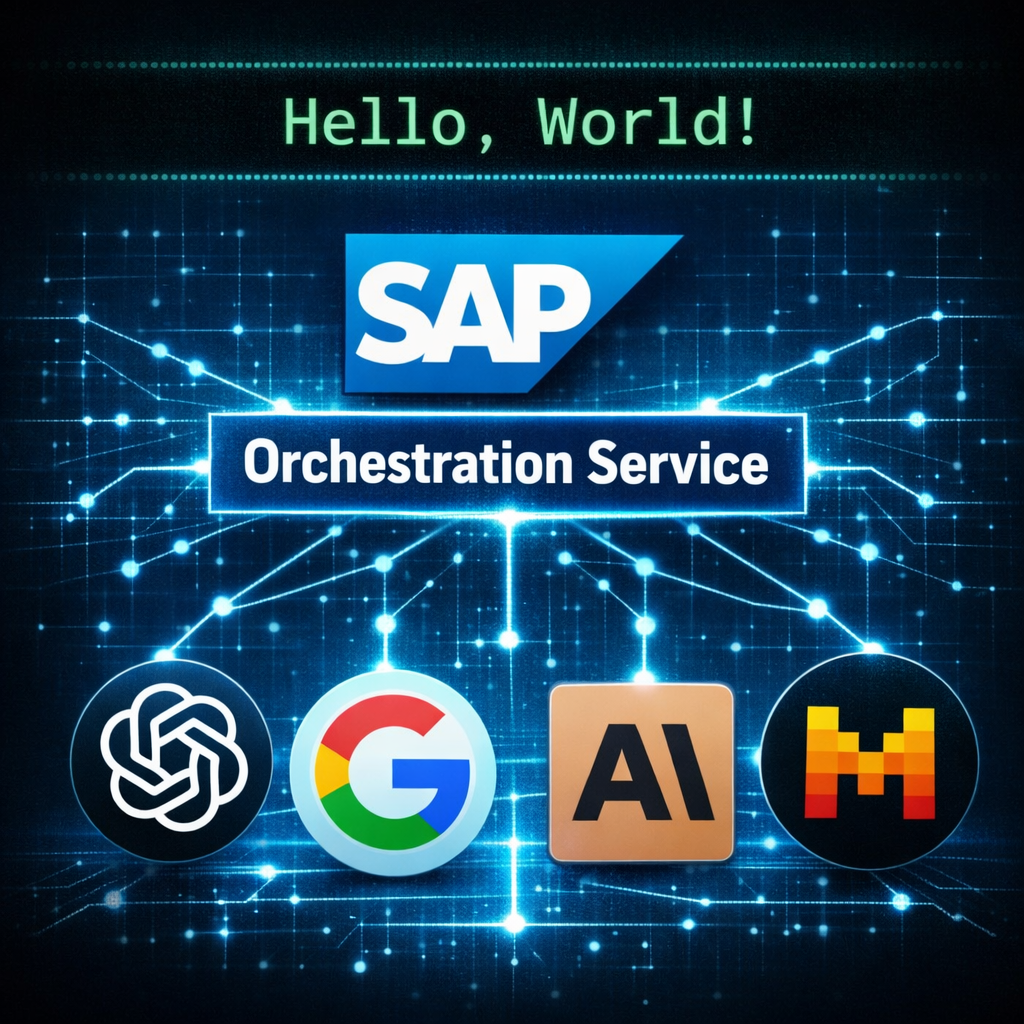
#!pip install "sap-ai-sdk-gen[all]"The Harmonized API of the Orchestration Service is probably one of SAP’s best kept secrets. It allows you to talk to all the language models on AI core in a harmonized format across model families. This means that you can simply swap out the model name from gpt-4o to anthropic--claude-4.5-sonnet without touching anything else of your code. This enables you to simply compare model performance or even build redundancies into your use cases.
By the end of this tutorial (which is also available as a Jupyter notebook on GitHub), you’ll have a working setup for talking to SAP’s Harmonized API of the Orchestration Service using the Generative AI Hub SDK on AI Core. Honestly, the hardest part is just stating what we’re using 😉, the actual content is rather simple 🤓. Let’s cut through the jargon and build something cool.
Note: Throughout this blog post, I’ll assume that you have access to a BTP subaccount with instances of the AI Core service (extended plan) and the AI Launchpad service (standard plan).
Setup
Before we can talk to the Orchestration Service, we need to install the SAP Cloud SDK for AI.
Next we need to focus on authentication. As explained in the docs, there are multiple ways to do this.
To keep this notebook-friendly with minimal setup, I will use a .env-file. You can extract all necessary values from the BTP service key of your AI Core Service Instance.
Just create the .env-file in the same directory as the Jupyter notebook with the following format:
AICORE_AUTH_URL=https://********.authentication.********.hana.ondemand.com
AICORE_CLIENT_ID=********
AICORE_CLIENT_SECRET=********
AICORE_RESOURCE_GROUP=********
AICORE_BASE_URL=https://api.ai.********.hana.ondemand.com/v2
All we need to do is load the .env. If you stick to the naming conventions, the SDK will automatically use it correctly.
from dotenv import load_dotenv
import os

# Load the .env file
load_dotenv()

# Keeping rest of the cell for explicit checking, if you want to experiment

# Access the variables
#aicore_auth_url = os.getenv("AICORE_AUTH_URL")
#aicore_client_id = os.getenv("AICORE_CLIENT_ID")
#aicore_client_secret = os.getenv("AICORE_CLIENT_SECRET")
#aicore_resource_group = os.getenv("AICORE_RESOURCE_GROUP")
#aicore_base_url = os.getenv("AICORE_BASE_URL")

# Print them to check
#print(f"AICORE_AUTH_URL: {aicore_auth_url}")
#print(f"AICORE_CLIENT_ID: {aicore_client_id}")
#print(f"AICORE_CLIENT_SECRET: {aicore_client_secret}")
#print(f"AICORE_RESOURCE_GROUP: {aicore_resource_group}")
#print(f"AICORE_BASE_URL: {aicore_base_url}")TrueOnce done, we can talk to the Orchestration Service.
Building Hello World
For all the elements of the API, the SAP Cloud SDK for AI has a dedicated class which abstracts the model specifics away.
For example, the different message types used in LLM communication are represented by the classes SystemMessage, UserMessage, and AssistantMessage.
from gen_ai_hub.orchestration.models.message import SystemMessage, UserMessage

messages=[
    SystemMessage("Act like the very first program of a coding tutorial."),
    UserMessage("What do you respond upon execution?")
]
The messages need to be wrapped in a template. Even if we could do a lot more with the template (placeholders, structured outputs, tool definitions), let’s treat it as a simple wrapper for now.
from gen_ai_hub.orchestration.models.template import Template

template = Template(messages)
Even though the code is model-independent, we need to specify which model we want to use.
from gen_ai_hub.orchestration.models.llm import LLM

llm = LLM(name="gpt-4o")
When we combine the template and the LLM, this is called a configuration.
from gen_ai_hub.orchestration.models.config import OrchestrationConfig

config = OrchestrationConfig(template=template, llm=llm)
Finally, we can pass the configuration to the orchestration service to send the prompt to the LLM.
from gen_ai_hub.orchestration.service import OrchestrationService

orchestration_service = OrchestrationService(config=config)
result = orchestration_service.run()
The result is a typical OpenAI-style nested object. Here’s how we can extract the model response:
print(result.orchestration_result.choices[0].message.content)Hello, World!We have successfully established the communication with the orchestration service 🎉. Let’s try swapping out the model next.
How to simply swap models
Let’s wrap our orchestration call in a helper function to easily compare models:
def call_orchestration_service(system_prompt: str, user_prompt: str, model_name: str) -> str:
    """Simple wrapper to call the Orchestration Service."""

    messages = [
        SystemMessage(system_prompt),
        UserMessage(user_prompt)
    ]

    config = OrchestrationConfig(
        template=Template(messages),
        llm=LLM(name=model_name)
    )

    result = OrchestrationService(config=config).run()
    return result.orchestration_result.choices[0].message.content
Now let’s ask three different models the same question:
system_prompt = "Answer in a concise way."
user_prompt = "Who are you? Which model do you use?"
call_orchestration_service(system_prompt, user_prompt, "gpt-4o")"I'm an AI language model created by OpenAI, based on the GPT-4 architecture."call_orchestration_service(system_prompt, user_prompt, "anthropic--claude-3.5-sonnet")"I'm an AI assistant created by Anthropic to be helpful, harmless, and honest. I don't have information about my specific model or training."call_orchestration_service(system_prompt, user_prompt, "gemini-2.5-flash")"I am a large language model, trained by Google. I use Google's Gemini model family."Notice how each model proudly announces its creator, yet our code didn’t change at all. That’s one of the key advantages of using the harmonized API compared to the model-specific chat completion API.
Before we close this hello world example, one final question remains: Which models can you actually use?
Available Models
The easiest way to find out which models are supported is to simply read the documentation - Who would have thought? 😉 Nonetheless, for the most up-to-date information you should check note 3437766, which lists the availability of Generative AI Models.
At the time of writing, Claude Opus 4.5 was not listed in the docs, but the note listed it as available and it works:
call_orchestration_service(system_prompt, user_prompt, "anthropic--claude-4.5-opus")"I'm Claude, an AI assistant made by Anthropic.\n\nI am the model—I'm Claude, specifically from Anthropic's Claude model family. I don't have access to my exact version number in this conversation, but I'm one of the Claude models (such as Claude 3.5 Sonnet, Claude 3 Opus, etc.).\n\nIs there something specific you'd like to know about my capabilities?"When trying out different models via the harmonized API, it is important to note that you do not need a deployment in AI Core to access the model. This may sound surprising, but trust me, I didn’t create a deployment for Claude Opus 4.5 in AI core, yet it works. This is one of the key benefits of the orchestration service with the harmonized API: SAP manages the model deployments centrally, so you can simply switch model names without provisioning anything yourself.
As we can see, the documentation is sometimes lagging behind reality in the system. Therefore, I was curious if we could just ask AI Core which models are available, and here’s what I found. Since there is no good property to filter on to only get the LLMs, I relied on the name and description to filter the list for non-deprecated LLMs. Just keep in mind that the following list is a snapshot and depending on when you run this, the list will look different:
from ai_core_sdk.ai_core_v2_client import AICoreV2Client

client = AICoreV2Client.from_env()
for m in client.model.query().resources:
    # Filter out embedding models, rerankers, and deprecated models
    name = m.model.lower()
    desc = m.description.lower()
    if any(x in name or x in desc for x in ['embed', 'rerank', 'sap-abap', 'sap-rpt', 'gpt-35']):
        continue
    print(f"{m.provider}: {m.model}")
Cohere: cohere--command-a-reasoning
Google: gemini-2.0-flash
Google: gemini-2.0-flash-lite
Google: gemini-2.5-pro
Google: gemini-2.5-flash
Google: gemini-2.5-flash-lite
OpenAI: gpt-5
OpenAI: gpt-5-nano
OpenAI: gpt-5-mini
OpenAI: gpt-4o
OpenAI: gpt-4o-mini
OpenAI: gpt-4.1
OpenAI: gpt-4.1-nano
OpenAI: gpt-4.1-mini
OpenAI: o3-mini
OpenAI: o3
OpenAI: o4-mini
Perplexity: sonar-pro
Perplexity: sonar
Mistral AI: mistralai--mistral-large-instruct
Mistral AI: mistralai--mistral-small-instruct
Mistral AI: mistralai--mistral-medium-instruct
Amazon: amazon--nova-pro
Amazon: amazon--nova-lite
Amazon: amazon--nova-micro
Anthropic: anthropic--claude-3-haiku
Anthropic: anthropic--claude-3.5-sonnet
Anthropic: anthropic--claude-3.7-sonnet
Anthropic: anthropic--claude-4-sonnet
Anthropic: anthropic--claude-4.5-sonnet
Anthropic: anthropic--claude-4.5-opus
Anthropic: anthropic--claude-4.5-haikuConclusion
After installing the SAP Cloud SDK for AI and setting up authentication, we managed to talk to the Orchestration Service via the Harmonized API with just a few lines of code.
The key advantage over the model-specific chat completion API is that you can swap models from different vendors(!) by simply changing a string, no code changes required. Whether it’s gpt-4o, anthropic--claude-3.5-sonnet, or gemini-2.5-flash, the same code just works. This opens up easy benchmarking across model families, A/B testing, and even building redundancy into your applications.
We also discovered another benefit: You don’t need to manage deployments yourself. Instead, SAP handles all model deployments centrally. This makes life easy for you as a developer: No need to coordinate with your admin or wait for provisioning. You can experiment with new models the moment they’re available. 🤓
With this “Hello World”, you now have working code to start experimenting with. Try it out for yourself. Happy coding!